
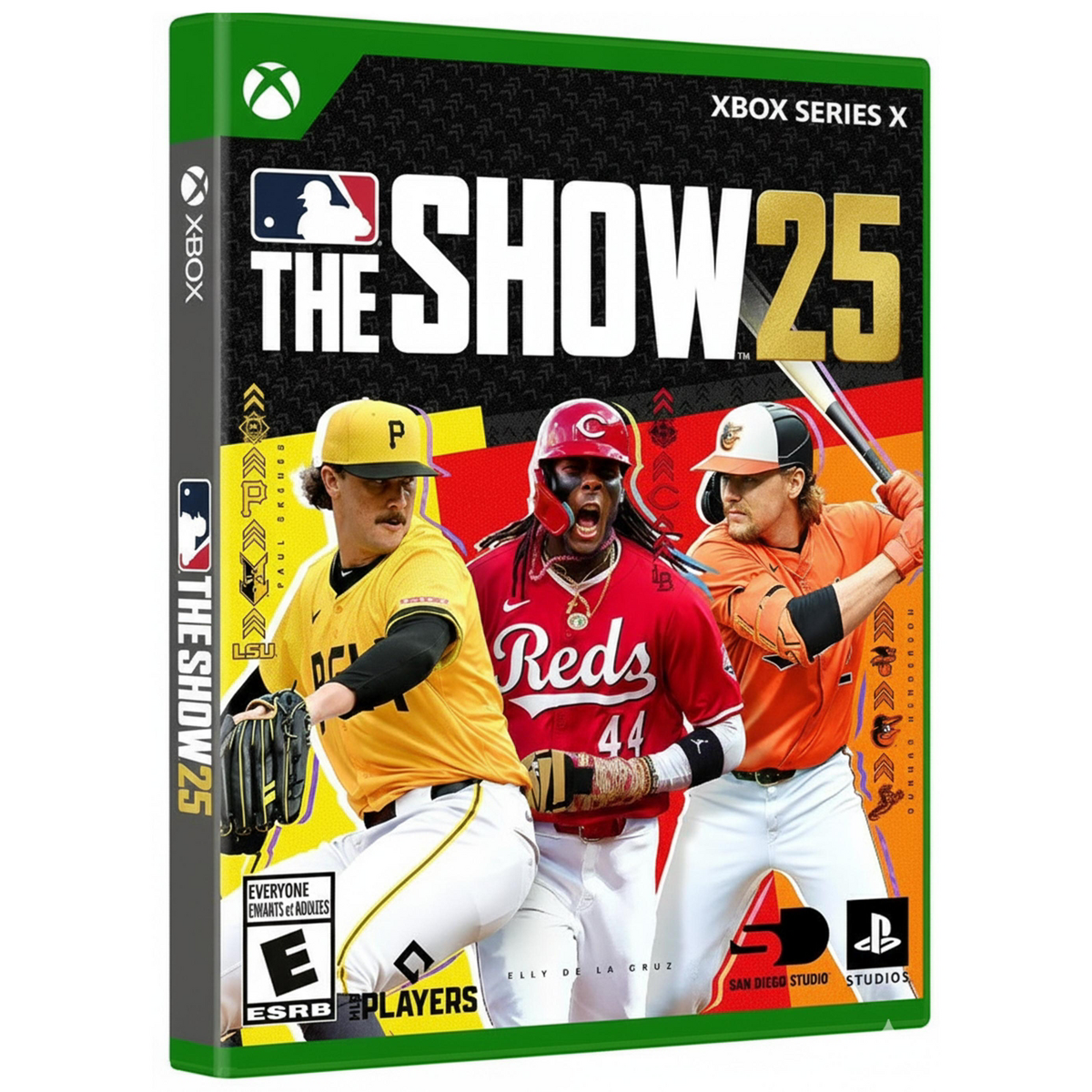


MLB The Show 25 US Xbox Series X|S Key
MLB The Show 25 brings its baseball experience to Xbox Series X|S. This US-region digital code is redeemed to a Microsoft account for access through the Xbox platform. Key details • Brand: MLB The Show • Platform: Xbox Series X|S • License term: perpetual • Delivery: Digital key
- Publisher
- MLB The Show
- Type
- Games
- Device
- Xbox Series X|S
- Region
- Not supplied
- Delivery
- Digital · no shipping
- System requirements
- Not supplied
Purchase MLB The Show 25 US Xbox Series X|S Key
Current maximum: 1. Quantity is confirmed again before the cart changes.
- Instant download
- Money-back policy
- 24/7 support
How delivery works
Three steps from licence selection to account access.
- 1Choose licenceSelect the licence type and review the device details.
- 2Pay securelyComplete payment through PayPal's secure checkout.
- 3Open your keyAfter payment confirmation, open the assigned key in your account. Email provides a backup.
Product details
- Product
- MLB The Show 25 US Xbox Series X|S Key
- Publisher
- MLB The Show
- Software type
- Games
- Device
- Xbox Series X|S
- Region
- Not supplied
- Delivery format
- Digital · no shipping
Supplied guidance
Activation
On Xbox Series X|S, open the Microsoft Store, open the side menu, select Redeem, and enter the 25-character code. Alternatively, sign in to the intended Microsoft account at the official redemption page, enter the code, and confirm redemption.
Installation
After redeeming the code, open My games & apps on the Xbox Series X|S console. Locate MLB The Show 25 in the account's library, select it, and choose Install.
What our customers say
Verified feedback from qualifying delivered purchases.